
Your phone pings, your email pings, your brain pings—then it crashes. Sound familiar? When our screens start feeling like slot machines, it’s time for a digital declutter.
Not a dramatic “throw your phone in a lake” moment, but a thoughtful reset that gives your mind some breathing room. Think of it like cleaning your room, but for your brain—except the dust bunnies are old notifications and forgotten apps.
Why Your Brain Loves a Digital Detox
Our brains crave clarity. Constant alerts and infinite scroll divide your attention into tiny pieces, and your focus pays the price.
A digital declutter reduces choices, cuts visual noise, and gives you fewer reasons to context-switch every 30 seconds. Your nervous system also gets relief. When you remove attention-grabbing clutter—badges, banners, buzzes—you reduce micro-stressors you barely notice but definitely feel. Less noise equals more calm.
Seems obvious, but your home screen didn’t get the memo.
Start With a Clean Sweep (It’s Not Scary)
You don’t need a monk-like existence. Start simple. Your goal: remove friction and downgrade distractions.
- Turn off non-essential notifications.
Keep calls, messages from actual humans, and calendar alerts. Disable everything else. Yes, including breaking news and “someone liked your post.”
- Uninstall 5-10 apps you don’t use.
If you hesitate, ask: When did I last open this? If you can’t remember, it goes.
- Batch your email. Set 2-3 check-in windows instead of living in your inbox like it’s a studio apartment.
- Mute group chats.
The memes will survive without you for a few hours.
Quick Wins You’ll Feel Today
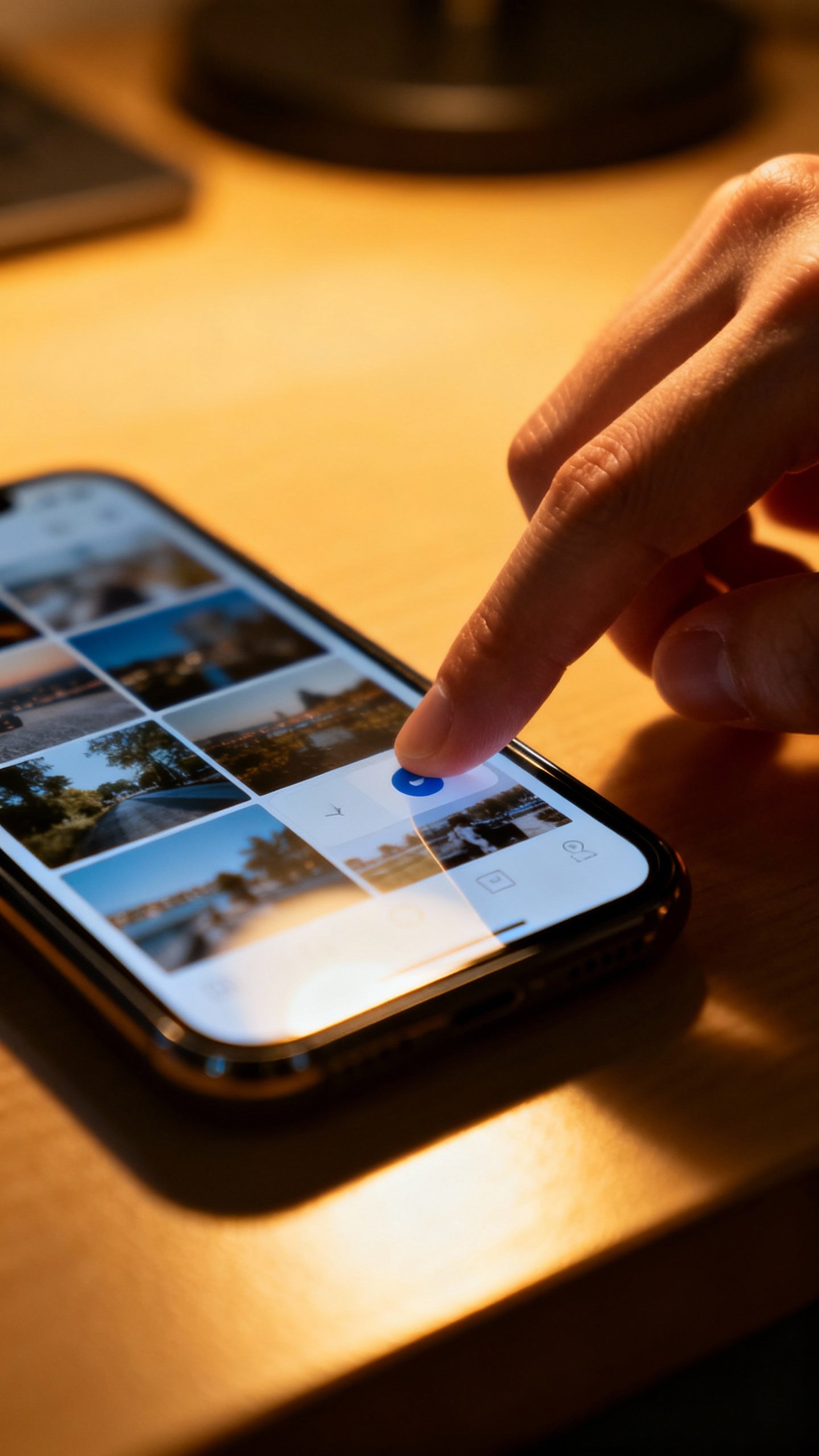
- Delete old screenshots and duplicate photos. Your camera roll will breathe again.
- Archive chats you don’t need right now. Less scrolling, fewer distractions.
- Unsubscribe from 10 junk emails.
Absolutely satisfying, 10/10 recommend.
Tidy Your Home Screen Like a Minimalist
Your home screen controls your habits. If it looks like Times Square, your brain goes into “what next?” mode.
- Move all social apps to a second screen. Create friction on purpose.
- Use folders with verbs: Create, Learn, Move, Manage.
Your brain understands action better than “Other.”
- Place only 4-6 essential apps on page one: messages, calendar, maps, camera, notes. That’s it.
- Turn off badge counts. Those little red dots?
Anxiety sprinkles.
Widget Rules That Keep You Sane
Use one or two widgets max. A calendar or to-do widget helps. Weather?
Fine. Stocks? Absolutely not, unless you want the emotional rollercoaster for free.
Email: Turn the Tidal Wave into a Stream
Email doesn’t own you.
You can set boundaries without sounding like a hermit.
- Create three simple labels: Action, Waiting, Reference. Move everything into one of these.
- Use filters to auto-label newsletters and receipts. They can skip your inbox and still be searchable.
- Write a friendly reply policy: “I check email morning and afternoon.
If urgent, text.” Boom—expectations set.
Five-Minute Inbox Ritual
- Scan for true fires. Put those in Action.
- Archive anything informational. Don’t reread it 12 times.
- Unsubscribe from one sender per day.
Compounds fast.
Social Media Without the Hangover
You don’t need to go cold turkey. You just need to take back the steering wheel.
- Delete one platform from your phone and access it only on desktop. The extra steps help.
- Use app limits.
Set 20-30 minutes per day. You’ll be shocked how much time you get back.
- Curate aggressively. Mute accounts that annoy you.
Follow creators who build you up. Simple.
Scroll With Purpose
Before you open an app, ask: What am I here to do? Check messages?
Post something? Learn one thing? If you don’t have a reason, don’t go in.
IMO, that single question saves hours.
Set Up Calm Defaults
Decluttering works best when you build guardrails. Make calm the default, not the exception.
- Focus modes. Create a Work mode (only work apps), a Personal mode (messages, maps, music), and a Deep Work mode (almost nothing).
- Batch notifications twice daily.
Your phone can deliver them in a digest instead of drip torture.
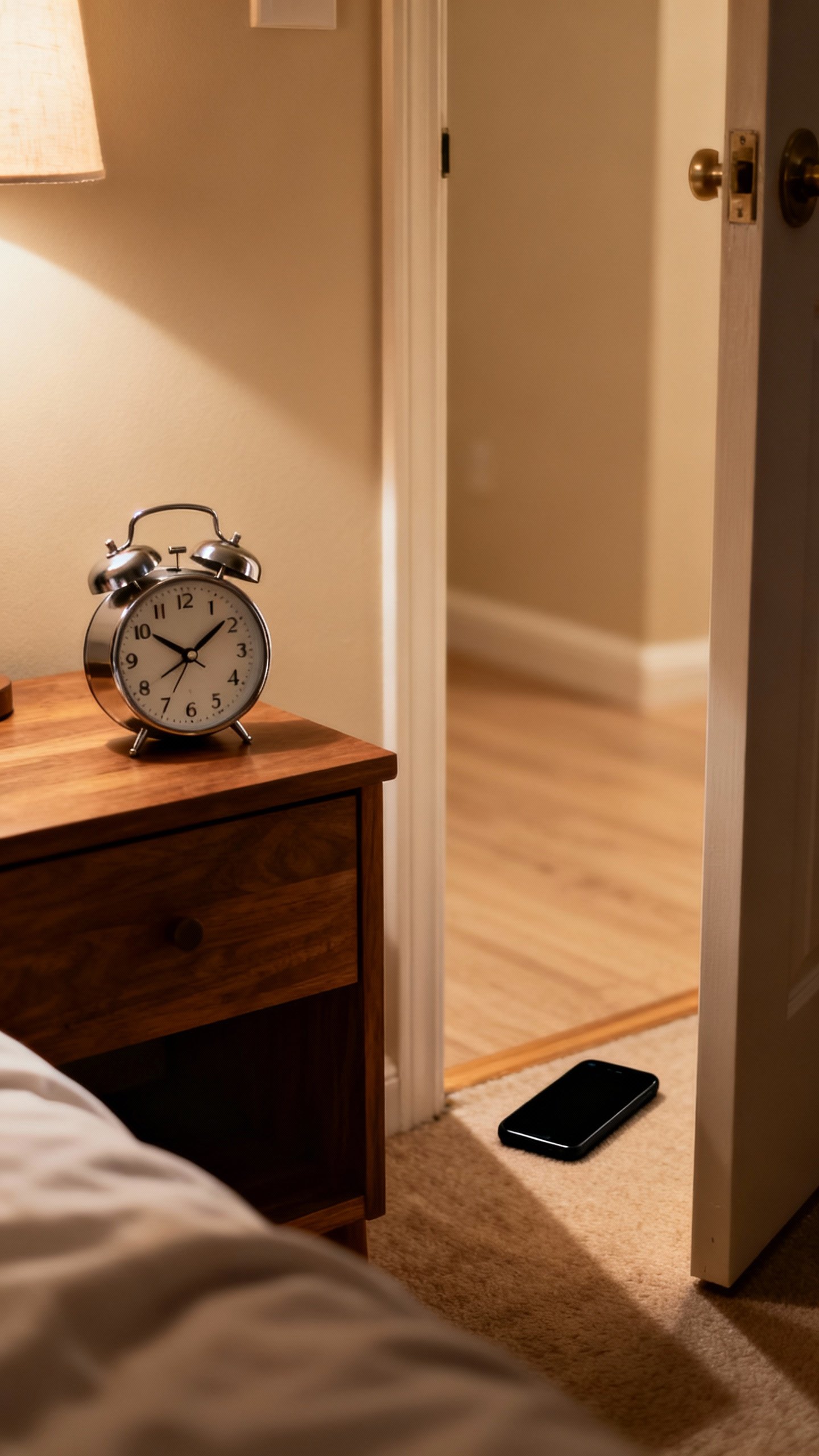
- Nightstand rule: Phone sleeps outside the bedroom. Use a $10 alarm clock. Life-changing, FYI.
- Two-tab browsing.
Keep only two tabs open at once. Bookmark the rest or let them go.
Automation That Helps, Not Harasses
- Auto-archive newsletters into a “Sunday Read” folder.
- Use a read-it-later app. Save, then read on your terms.
- Schedule Do Not Disturb during meals.
Protect conversation like it’s sacred—because it is.
Declutter Your Mind with Intentional Inputs
You can’t “organize” chaos. You need to feed your brain better stuff.
- Choose a daily input diet: one long-form article, one book chapter, one podcast episode. Quality beats a thousand hot takes.
- Silence the “always on” vibe by embracing boredom.
Wait in line without pulling out your phone. Let thoughts percolate.
- Plan screen-free blocks: 30-60 minutes for deep work or play. No devices, just focus.
Analog Tools That Still Slap
A notebook on your desk beats 10 digital sticky notes.
A paper to-do list ends tab-hell. A whiteboard turns messy thoughts into visible plans. Old-school doesn’t mean anti-tech—it means pro-clarity.
Make It Stick: A 7-Day Micro-Reset
Want a quick, practical plan?
Here’s a one-week reset that doesn’t require sainthood.
- Day 1: Turn off notifications for non-humans. Keep calls, texts, calendar.
- Day 2: Clean your home screen. Move socials to page two.
Delete five apps.
- Day 3: Inbox triage. Labels: Action, Waiting, Reference. Unsubscribe from 10 senders.
- Day 4: Social rules.
App limits + one platform desktop-only.
- Day 5: Focus modes. Set Work, Personal, Deep Work. Badge counts off.
- Day 6: Photo purge.
Delete 200+ useless shots. Create one yearly album.
- Day 7: Screen-free Sunday morning. Read, walk, think.
Notice the mental quiet.
By the end, you’ll feel lighter, sharper, and more in control. Not perfect, just human—with fewer digital gremlins.
FAQ
Do I need to delete all my social media to feel better?
Nope. You just need to change how you use it.
Keep what adds value, limit the rest, and add friction so it stops hijacking your attention. A desktop-only rule for one app works wonders.
How long until I notice a difference?
Often within 48 hours. Once you cut notifications and clean your home screen, your brain gets immediate relief.
The deeper benefits—clearer thinking, better focus—build over a couple of weeks.
What if my job requires constant availability?
Define “constant.” Most roles need responsiveness, not instantness. Use VIP contacts, set response windows, and communicate your rhythm. You’ll look more reliable, not less.
How do I keep from sliding back?
Schedule a 30-minute monthly tune-up.
Revisit notifications, app limits, and your inbox rules. Habits decay; calendars don’t. IMO, that recurring appointment saves you from chaos creep.
Isn’t this just procrastination with extra steps?
It can be if you ignore the point.
The goal isn’t a pretty phone; it’s a clear mind. Tie your declutter to a purpose—better focus for work, calmer evenings, more creative time—and you’ll follow through.
Conclusion
A digital declutter doesn’t demand a new personality. It asks for small, intentional tweaks that stack into a calmer, sharper, happier you.
Strip away what steals attention, build guardrails that protect your focus, and choose better inputs. Then enjoy the silence—and the mental reset that comes with it.